> ## Documentation Index
> Fetch the complete documentation index at: https://docs.lemonado.io/llms.txt
> Use this file to discover all available pages before exploring further.
# Review creative performance
> Compare ad creative, save useful views, and find ideas for the next campaign.
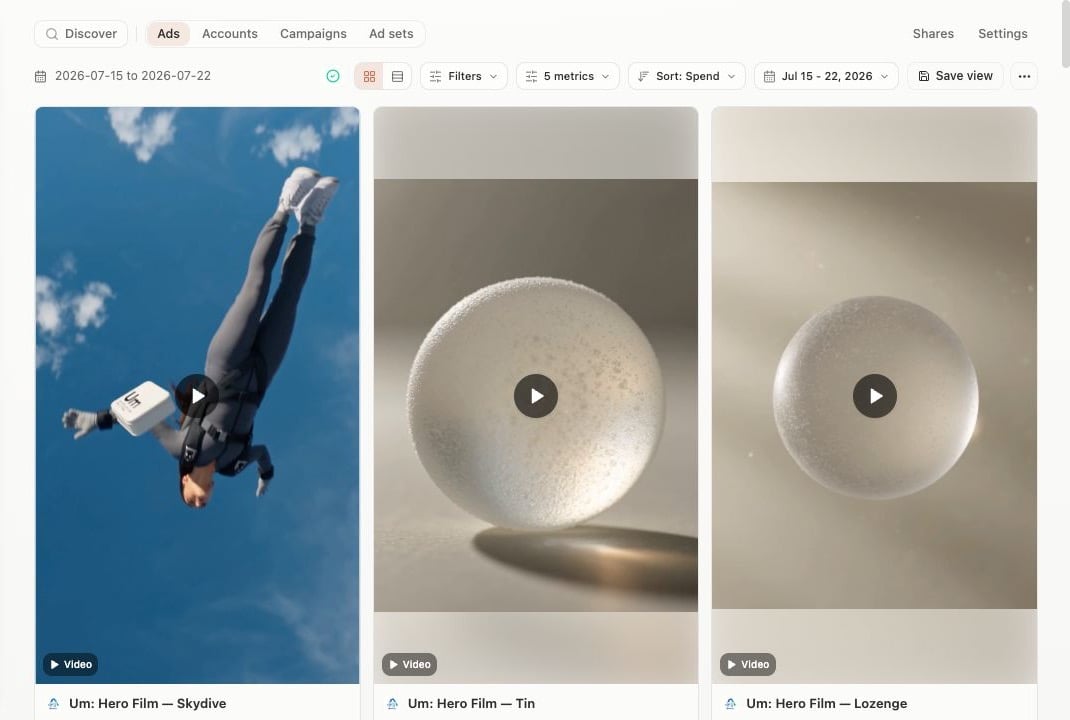
**Creatives** puts the ads from your connected accounts in one visual view.
 ## Find what matters
* Switch between ads, accounts, campaigns, and ad sets.
* Choose a date range.
* Pick the metrics your team uses.
* Filter and sort to surface winners or weak spots.
* Save a view you want to revisit.
Click an ad to see its details, comments, and insights.
## Find new ideas
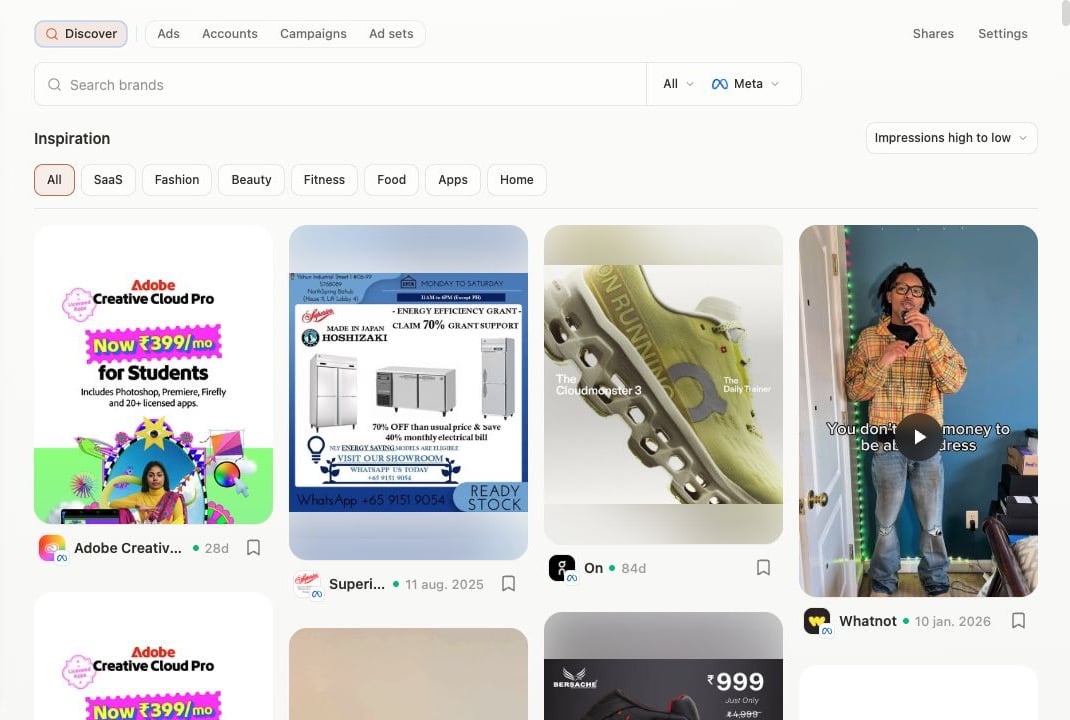
If your workspace has **Discover**, use it to browse ads by brand, country, platform, or category. Save ideas to a board for your next creative review.
## Find what matters
* Switch between ads, accounts, campaigns, and ad sets.
* Choose a date range.
* Pick the metrics your team uses.
* Filter and sort to surface winners or weak spots.
* Save a view you want to revisit.
Click an ad to see its details, comments, and insights.
## Find new ideas
If your workspace has **Discover**, use it to browse ads by brand, country, platform, or category. Save ideas to a board for your next creative review.
 Save a view for each regular review, such as “Top spend this month” or “Creative fatigue watch.”
This documentation is built and hosted on [Mintlify](https://mintlify.com), a developer documentation platform.
Save a view for each regular review, such as “Top spend this month” or “Creative fatigue watch.”
This documentation is built and hosted on [Mintlify](https://mintlify.com), a developer documentation platform.