

Set up your agency
Create an Agency workspace, then add your first client’s company name and website. Use the client switcher at the top of the left menu to move between clients or return to the agency overview.Use the agency overview
The overview holds the tools shared across your agency:- Home shows your clients and work that needs attention.
- Shared connectors manages sources your agency uses across clients.
- Ad syncs shows whether client ad data is arriving.
- Templates keeps reusable report, dashboard, and slide layouts.
- Skills keeps the workflows your team can reuse.
Prepare a client
- Connect their marketing sources.
- Review their Brand and Memory.
- Create reports and dashboards in Studio.
- Set up Routines for regular checks and updates.
- Share reviewed results through their Portal, if included in your plan.
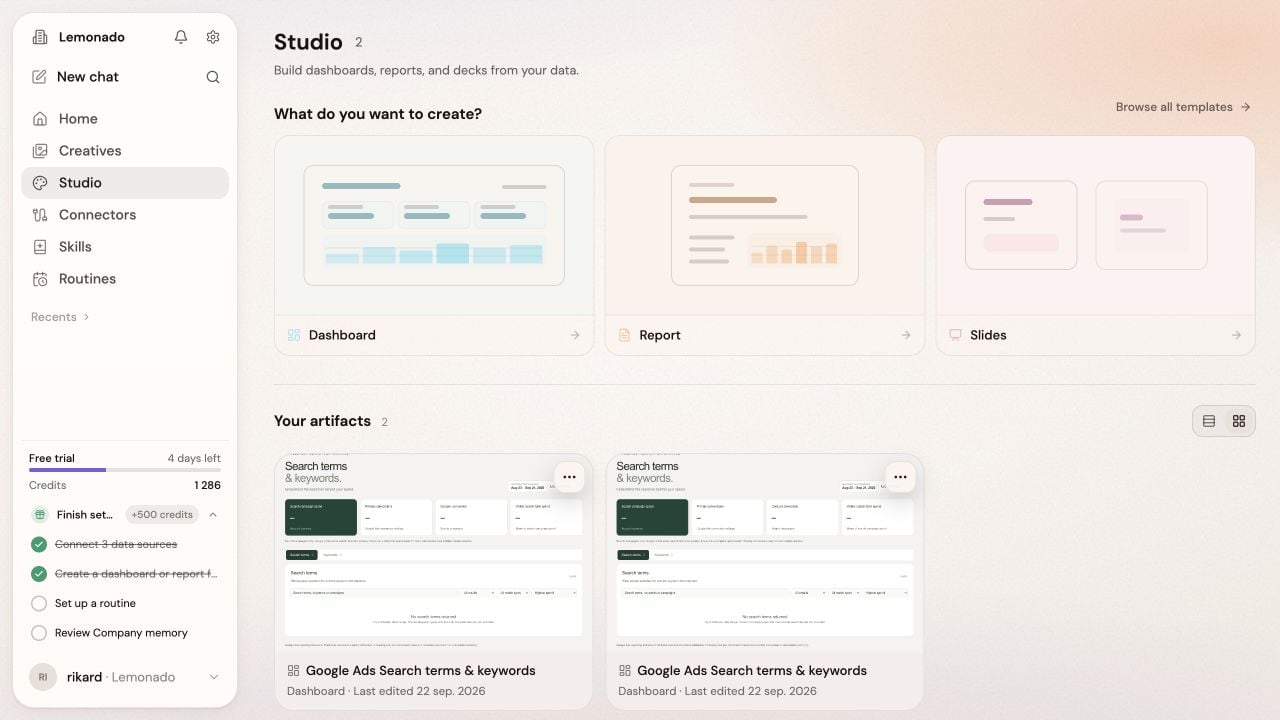
Create reports and dashboards in the client's own Studio.