

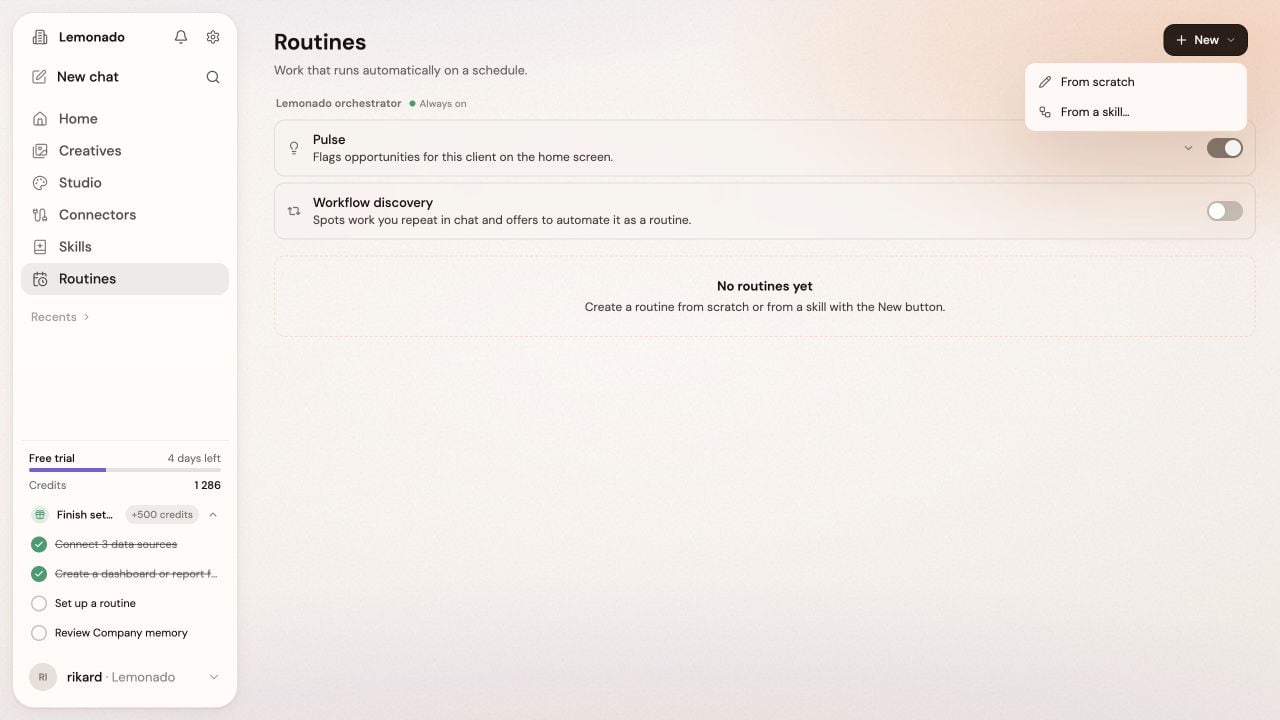
Start from scratch or reuse a skill from the New menu.
Create a routine
- Open Routines → New → From scratch. Choose From a skill to reuse an existing process.
- Describe the job, which accounts to use, when to run it, and where to send the result.
- Review the proposed setup in the pane beside the chat. Ask for changes before scheduling it.
Every Monday at 9am Stockholm time, summarize last week’s Meta ads. Show spend, leads, and cost per lead, then send the summary to our marketing Slack channel.
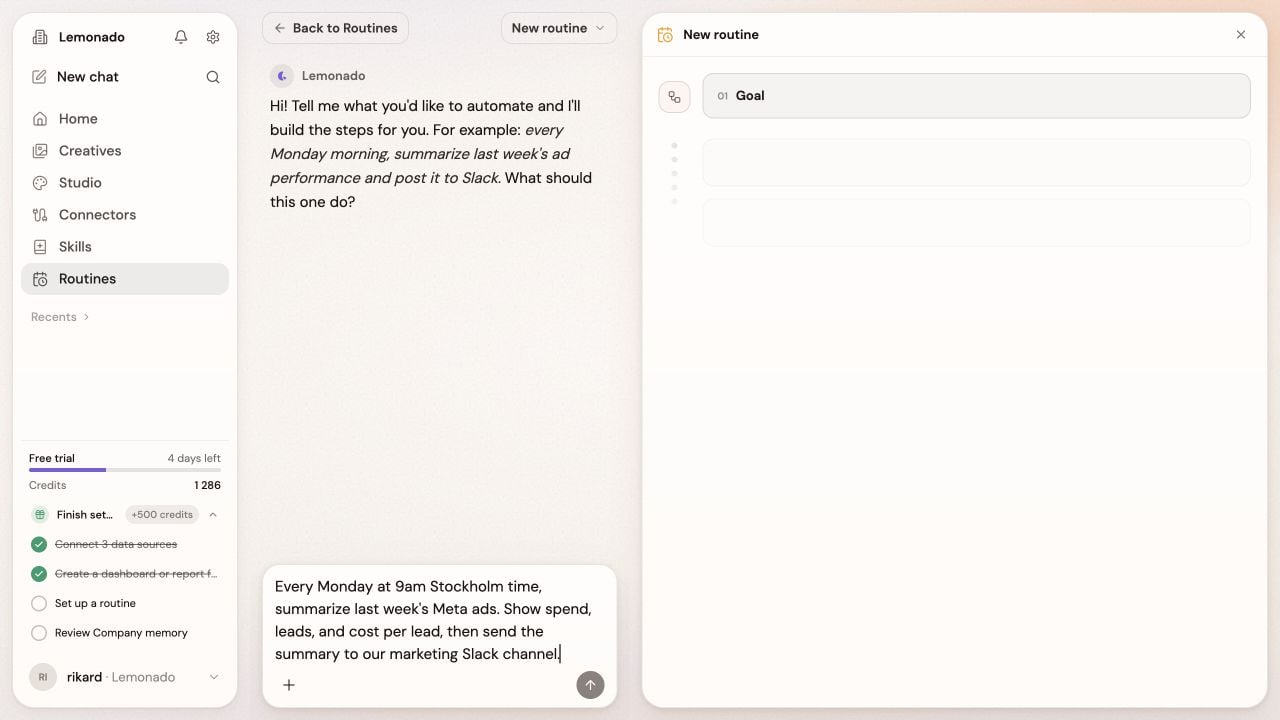
Describe the job in chat. The setup appears beside the conversation.
Review and adjust
Open a routine to see its setup and previous runs. Choose Edit to change it in chat, or More actions → Pause routine to stop its schedule. The list also includes scheduled Studio reports under Reports. Use the Personal and Workspace filters to find your routines.What are Pulse and Workflow discovery?
What are Pulse and Workflow discovery?
Pulse flags opportunities on Home. Workflow discovery suggests routines for work you repeat in chat.An owner or admin can turn each one on or off at the top of Routines.