

1
Sign in and add your company
Open Lemonado and follow the setup prompts. Add your company name and website so Lemonado can learn about the business.
2
Connect one source
Open Connectors, choose the tool you use most, and follow the sign-in steps. Select the account you want to work with.
3
Review the context
Click the gear beside the company name. Review Memory and Brand, and correct anything that is missing or out of date.
4
Ask for a useful result
Open New chat and try: “Summarize last week’s ads. What changed, and what should I look at first?”
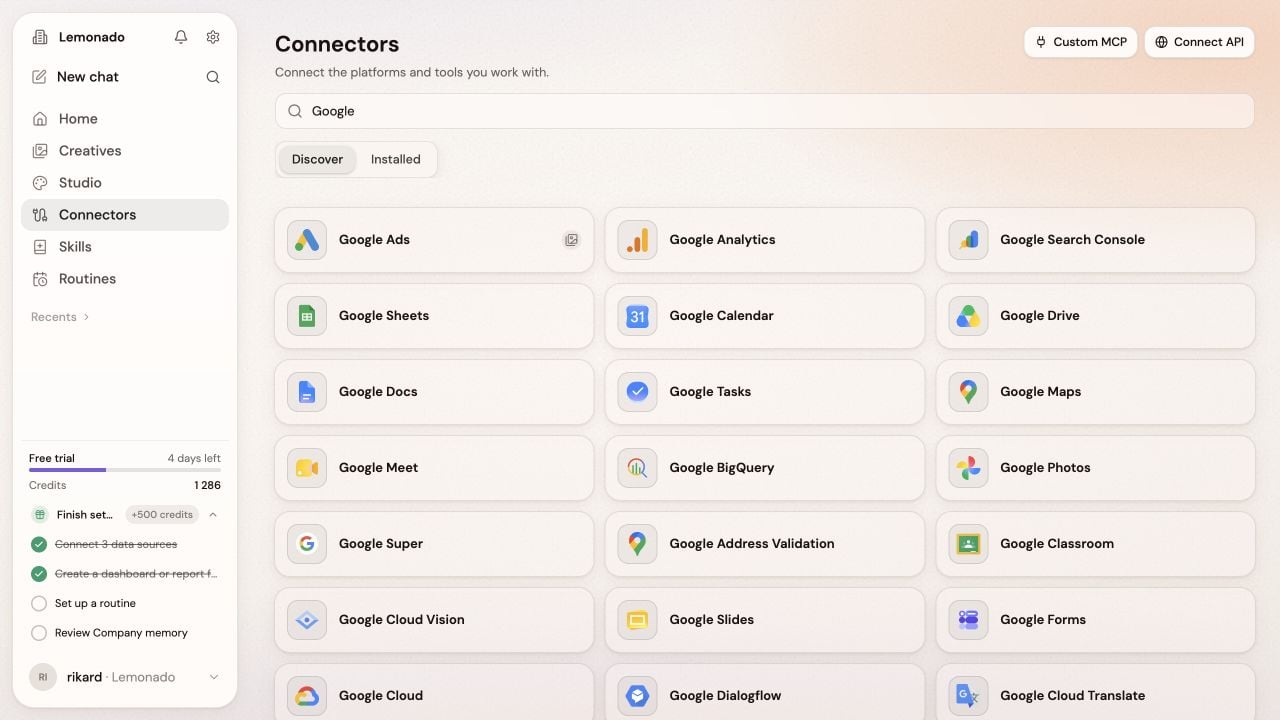
Connectors bring the information Lemonado needs into one workspace.
Take a quick tour
Learn where to find each part of Lemonado.