

Portals are available on agency plans that include client portals. An owner or admin manages the setup.
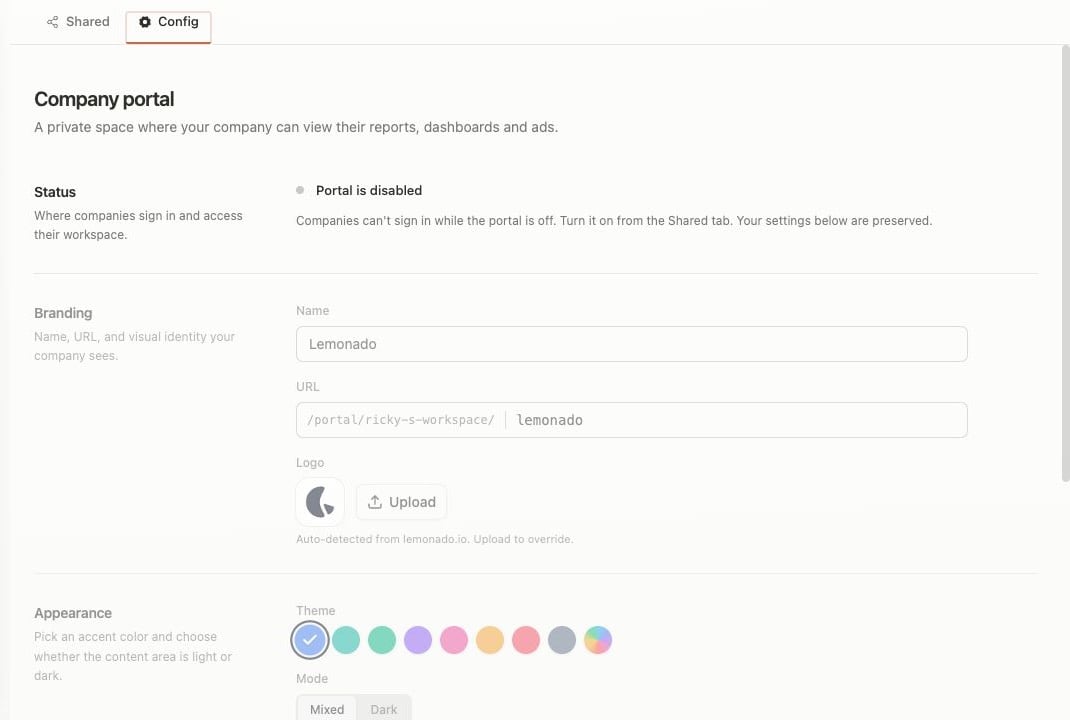
Use Config to set the portal name, URL, logo, colors, and appearance.
Set up the portal
- Open the client and choose Portal.
- Open Config to review the portal name, look, and access.
- Turn the portal on when it is ready.
- Use Open portal to check the client view.
Share work
- Share reviewed reports or dashboards from Studio.
- Share a saved ad view from Creatives.
- Return to Portal → Shared to confirm what is visible.