

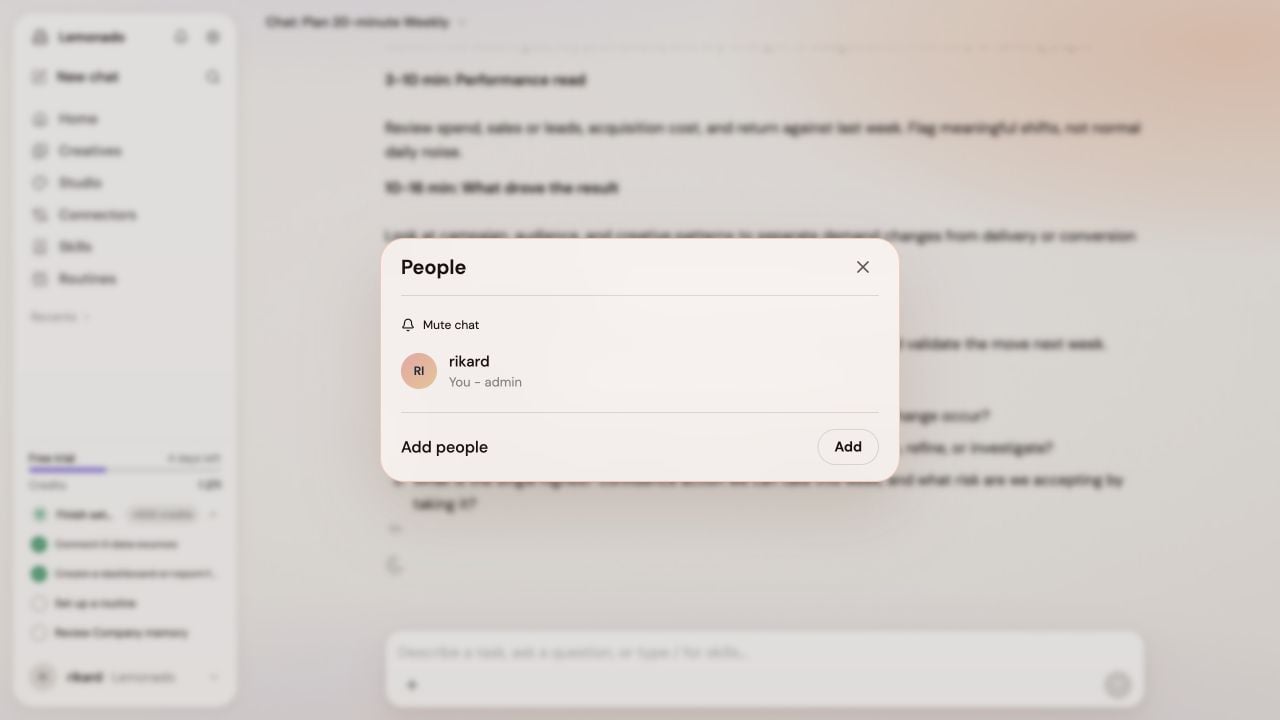
Click the chat title to open People, then choose Add.
Keep work easy to find
- Use the magnifying glass to search earlier chats.
- Open a chat’s menu in Recents and choose Pin chat to keep it close.
- Choose Add to project from the same menu to group chats around a campaign or goal.
- Filter Recents when you only want to see unread or active work.
Bring in a teammate
- Open the chat you want to share.
- Click the chat title to open People, then choose Add and select a workspace teammate.
- Your teammate can accept the invitation under Invites or from the bell.
- Mention a teammate when you need their feedback. Mention @Lemonado when you want the assistant to reply in a shared chat.